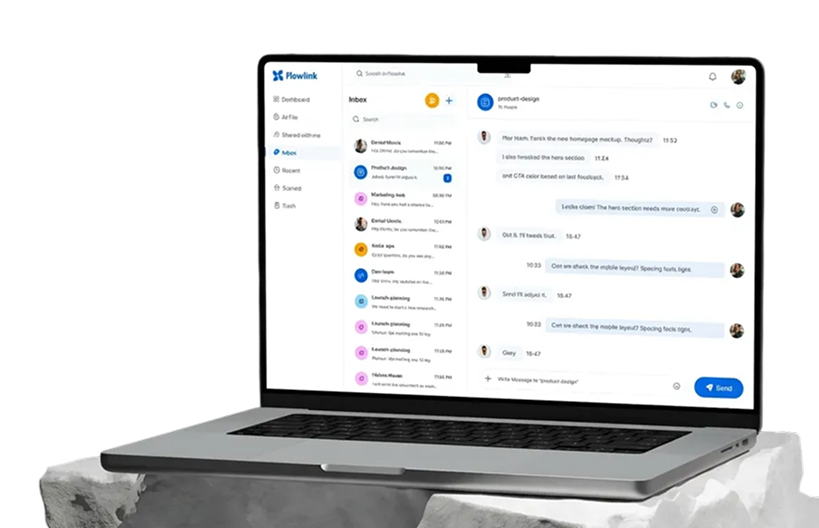
Connect, collaborate, and get work done all in one place
Unite remote teams with AI chat, voice calls, and file-sharing for smarter collaboration.

.svg)
Trusted by leading Company

.svg)
.svg)
.svg)
.svg)
.svg)
.svg)
KEY FEATURE
Everything your team needs to stay connected
Work together seamlessly — from chat to meetings, all in one intuitive platform.
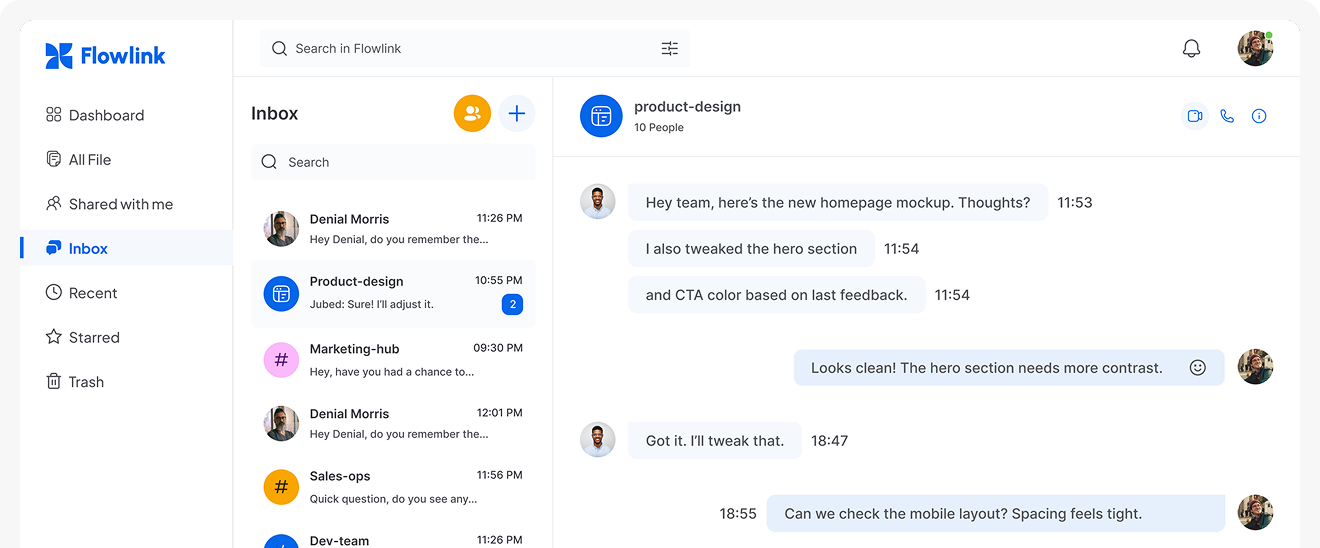
Real-Time Messaging
Stay connected with fast, organized chats — one-on-one or in groups, anytime, and enjoy seamless communication.
Voice & Video Calls
Make quick calls or jump into video meetings directly from your phone with ease anytime, anywhere you need.
Smart File Sharing
Upload, organize, and share files securely across devices with confidence.
Lightweight Tasks
Easily add tasks, deadlines, and reminders directly within your chat.
Device Sync
Begin on mobile and seamlessly transition to desktop with instant updates.
.webp)
.webp)
.webp)
How It Work
Work smart in few steps
Work together seamlessly — from chat to meetings, all in one intuitive platform designed for productivity and collaboration.
HOW IT WORKS
Work smart in few steps
Work together seamlessly — from chat to meetings, all in one intuitive platform designed for productivity and collaboration.

Sign up in seconds using your email or Google account and get instant access to your workspace, so you can start setting things up right away and invite your entire team effortlessly today.

Create a shared space for your team by organizing projects, tools, and channels in one place, making it easy for everyone to stay aligned and work together efficiently every single day.
.webp)
Jump into your projects with your team right away. Share ideas, chat, and manage tasks all in one place, collaborate seamlessly, and achieve meaningful progress happens faster from day one.
WHY CHOOSE US
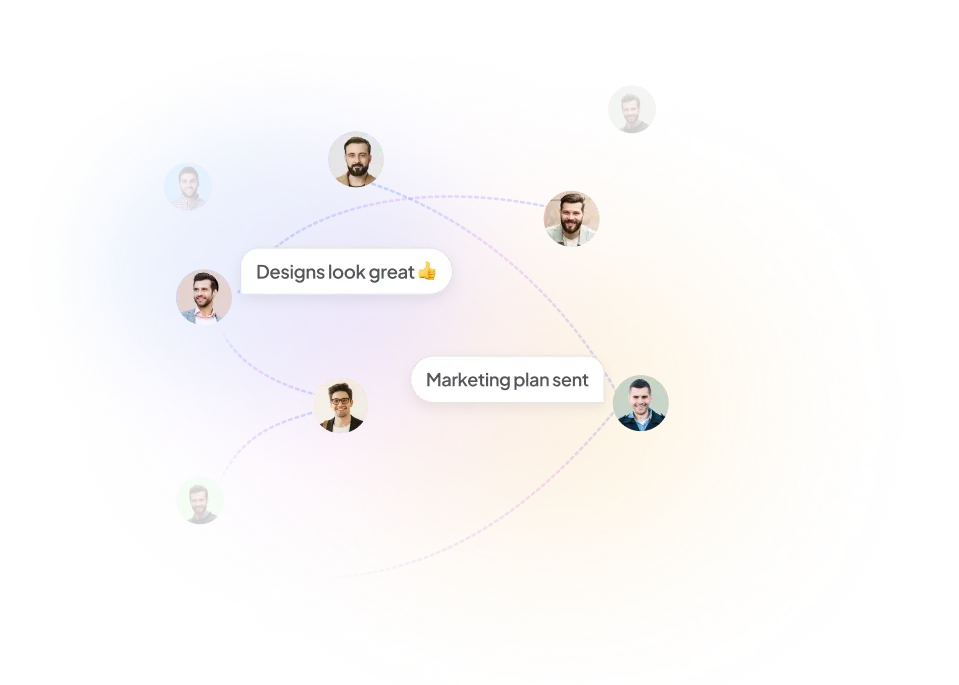
Efficient communication for teams



Reliability Built for Modern Teams
Our platform stays stable and fast, even during busy hours. Your workflow remains smooth.
.svg)
Secure Communication
Easily bring your messages, meetings, and files together in one seamless, organized platform.

Instant Sync Across Devices
Instant Sync keeps your data updated, allowing device switching without losing data.
TESTIMONIALS
Loved by teams everywhere

.svg)
.svg)
.svg)

.svg)
.svg)
.png)
.svg)


.png)
.svg)
.svg)

.svg)
.png)
.svg)


.png)


.svg)
.png)
.png)
.svg)
.svg)
.png)
.png)
.svg)
.png)
.svg)
PRICING
Pricing that works for You
Whether starting out or running a team, there’s a plan that fits your workflow.
STARTER
Free
Features


.svg)
PROFESSIONAL
$12/month
Features
.svg)


ENTERPRISE
$29/month
Features


.svg)

.svg)

.svg)
.svg)
.svg)
.svg)
.svg)
.svg)

.svg)
INTEGRATION
Flowlink connects your tools
No more jumping between apps. Seamlessly integrate your team’s everyday tools from task management to cloud storage and keep everything in sync.
FAQ
Common questions we get
Have more questions? Please contact our support team.
What features does Flowlink offer?
Can I manage multiple projects at once?
Does Flowlink support team collaboration?
Can Flowlink integrate with other tools?
Is Flowlink customizable for different teams?
Have more questions? Please contact our support team.
Is my data safe on Flowlink?
Who can access my team’s information?
Does Flowlink offer customer support?
Can I control user permissions?
How often is Flowlink updated?
Have more questions? Please contact our support team.

Work better together, wherever you are
Connect, share ideas, keep your team aligned.
.svg)